 NeoStrike
Turn Microsoft Flight Simulator
into a living campaign
NeoStrike is a Windows companion for MSFS. It adds a persistent campaign layer: zones of control, generated missions, a pilot career, and a flight log. Fly the sortie in the sim, or resolve it with Command Points — either way, the war moves on.
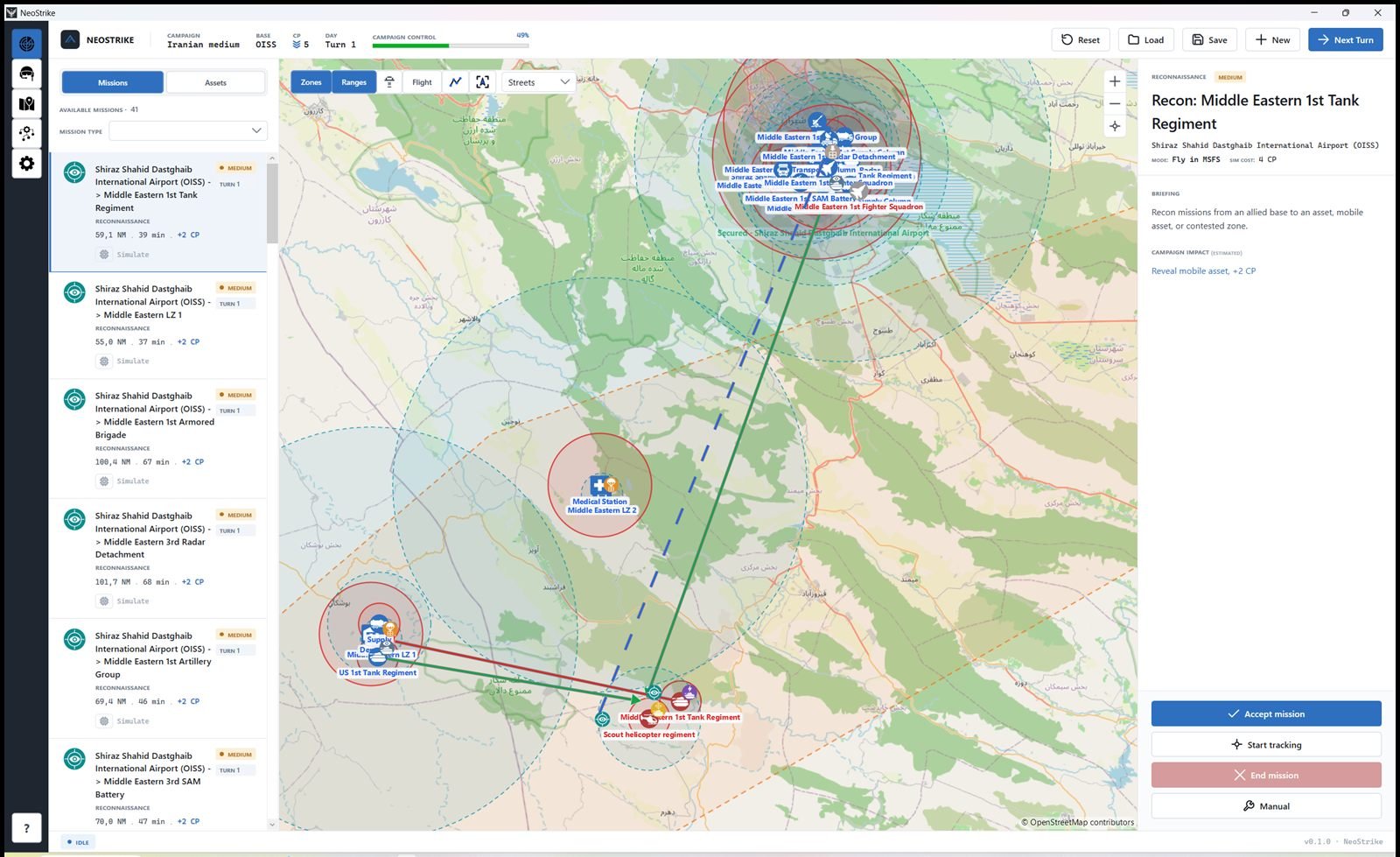
A campaign that evolves with you
You are not picking a random flight from a menu. You are inside an operation that already has a front line.
The map is split into strategic zones. Each zone has control, logistics, morale, intelligence and air defence. Missions, purchases and the next turn change those numbers.
Command Points (CP) are the campaign currency: buy units, repair, and optionally simulate a mission instead of flying it. Unaccepted missions are ignored when you advance the turn.
Next Turn moves units, resolves combat, applies mission results, and generates a new list. The battlefield you come back to is not the one you left.
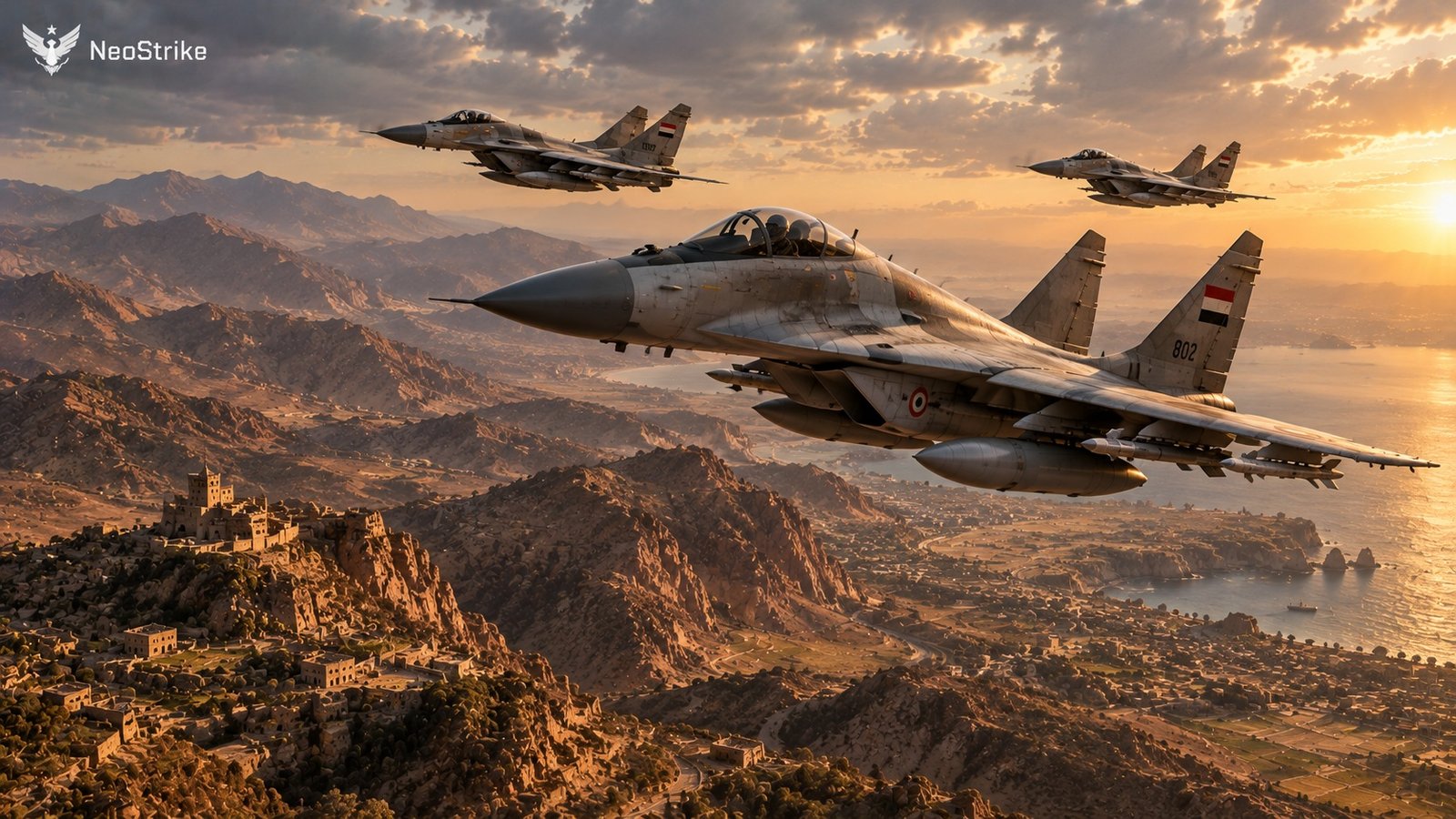
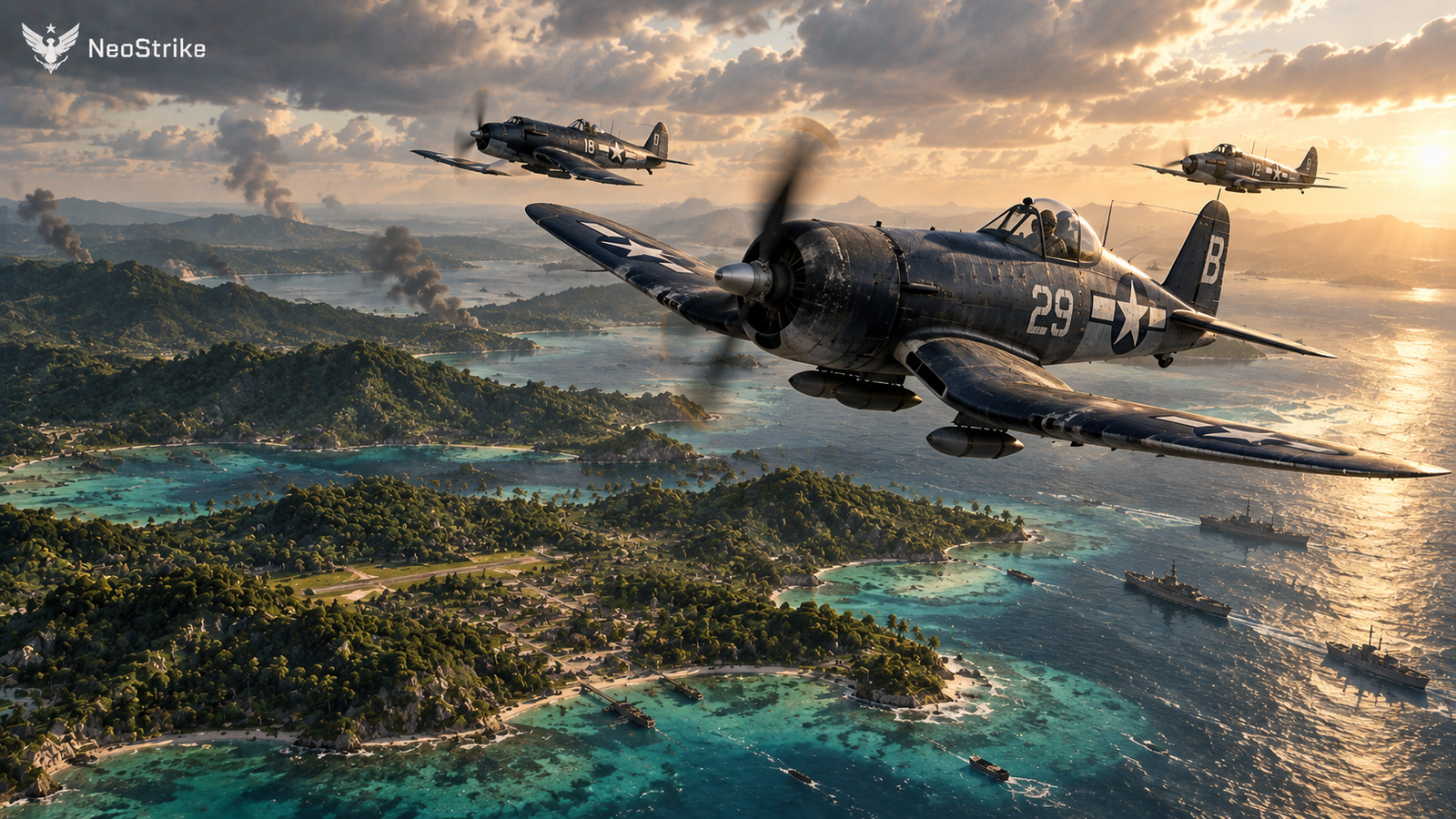
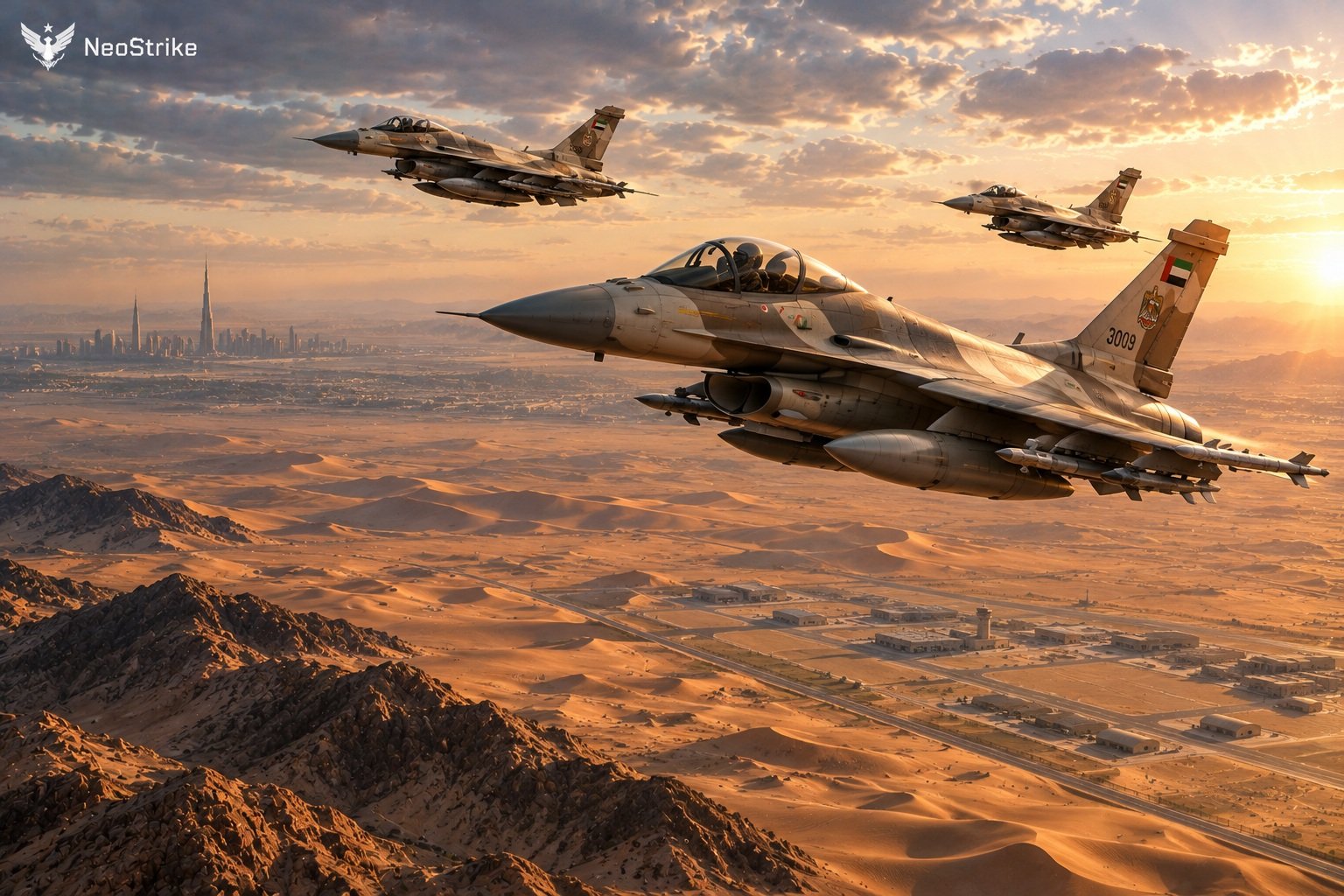
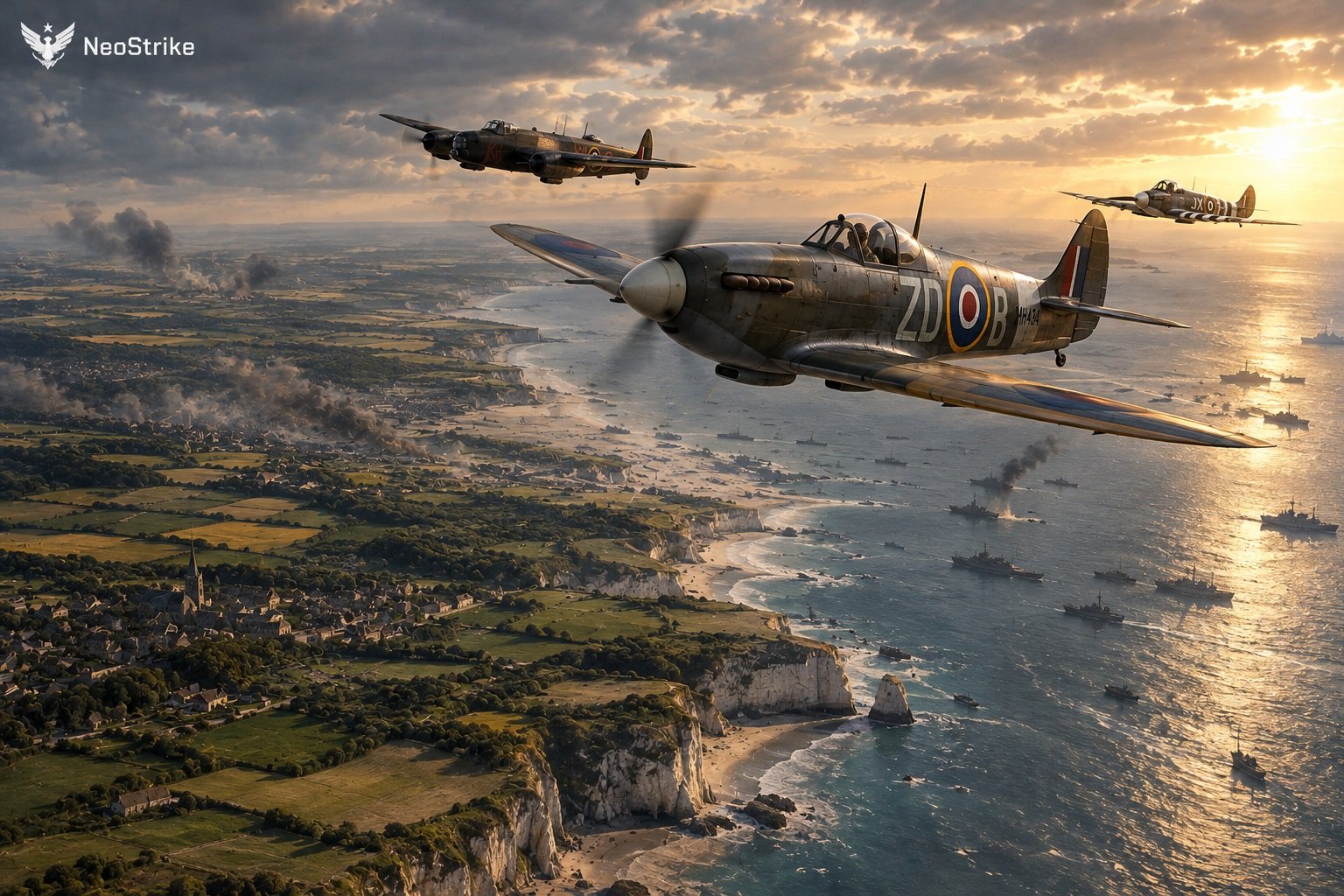
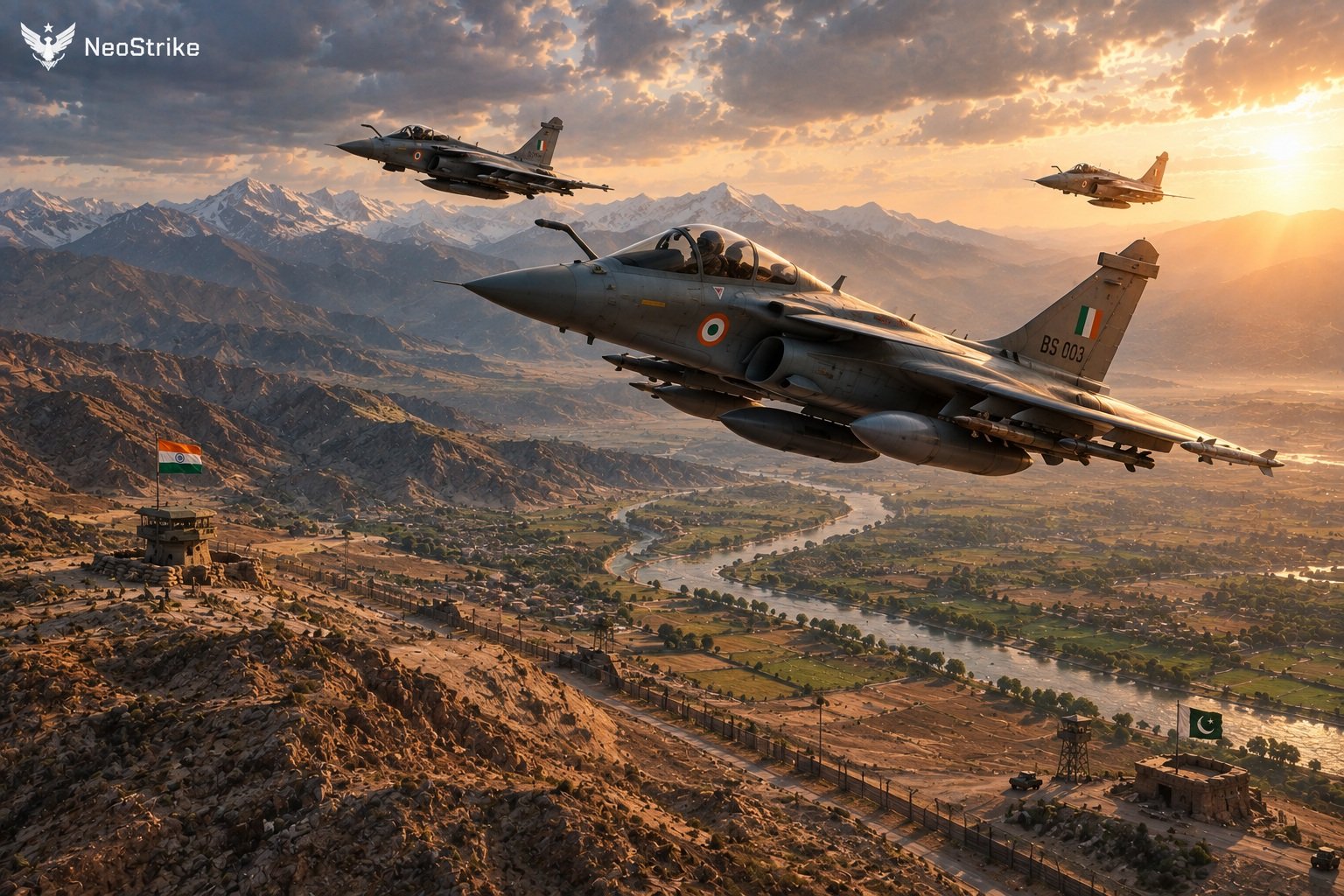
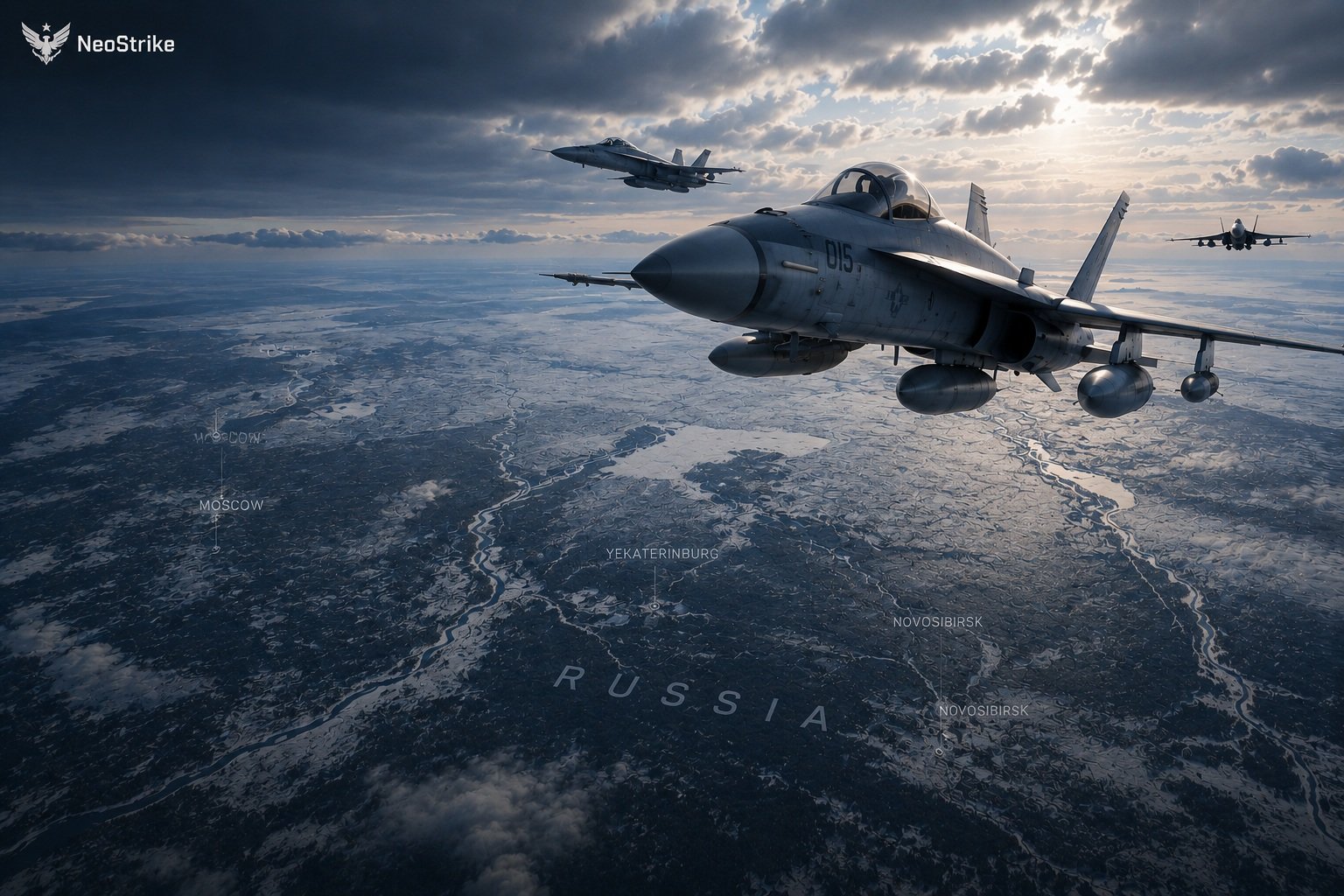
Missions that match the situation
NeoStrike generates the list from the current campaign: pressure on a zone, a spotted unit, a supply shortfall, a downed crew. You choose what to fly.
 Reconnaissance
 Escort
 SEAD support
 CSAR
CSAR Medevac
 Supply drop
 Cargo delivery
 Maritime recon
 ASW search
 Mark target
 Troop deployment
 Troop transport
 Troop drop
 Recovery
A valuable mission is not always a bomb on a target. Recon reveals forces. A supply drop keeps an offensive alive. CSAR brings a crew home. Escort protects an asset that still has to fight tomorrow.
Impact is measured on the campaign, not as a high score.
Route, load, intended effect on the zone, and the CP reward. Accept, then Start tracking when MSFS is connected, or flag Simulate for resolution at Next Turn.
A battlefield that keeps score
Between sorties the engine still works. The planner can move units. Ground combat and strikes resolve. Damaged assets stay damaged until you repair them.
Your last flight is already part of the next turn’s situation.


Your pilot. Your career.
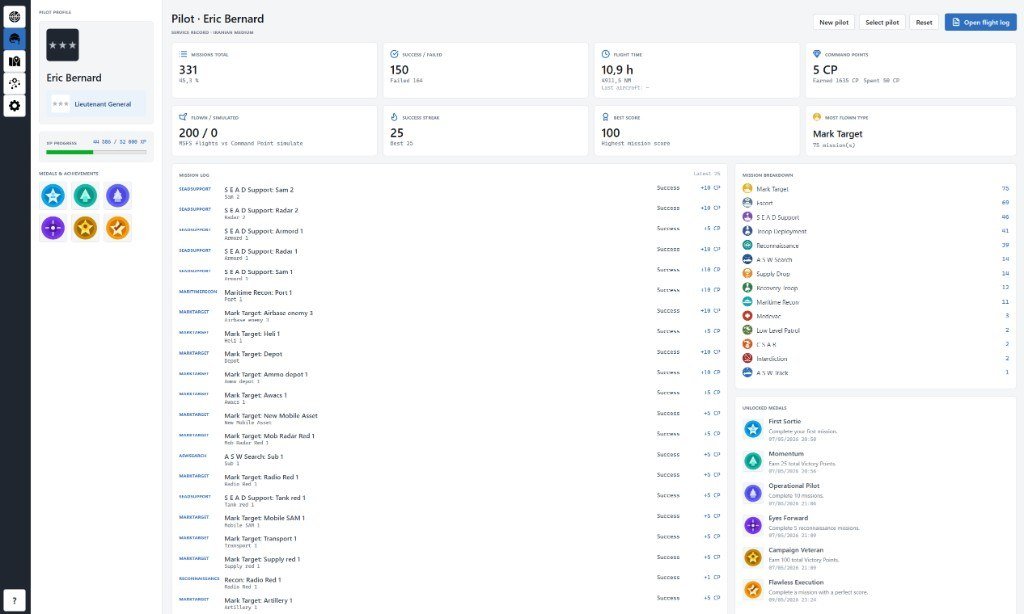
Create a named profile. Rank, XP and medals sit on the Pilot tab with a mission history and a breakdown by type.
Successful operations earn recognition. The same pilot can fly across campaigns. Open any archived flight from the log list.
 Campaign
 Pilot
Pilot
 Campaign Editor
 Mission Editor
 Settings
Debrief the sortie you actually flew
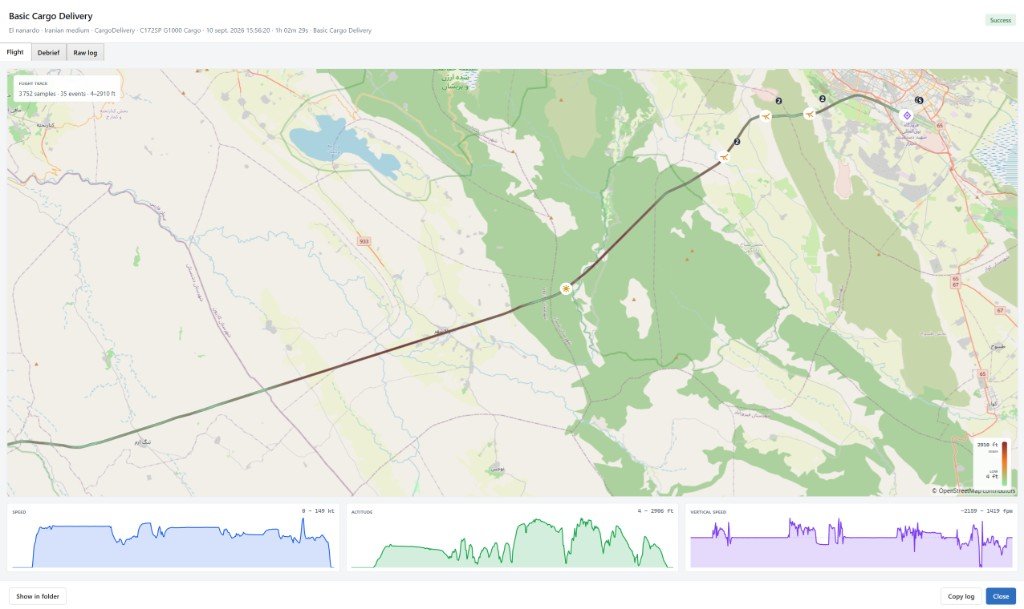
When you start tracking, NeoStrike records the aircraft path and events: takeoff, gear, lights, mission nodes, landing.
Flight shows the track and numbered pins. Debrief lists events in order. Raw log is the text written during the flight.
Logs live in your NeoStrike data folder. Open them later from the Pilot tab — you do not need MSFS running to review a flight.
Keep the campaign map in the cockpit
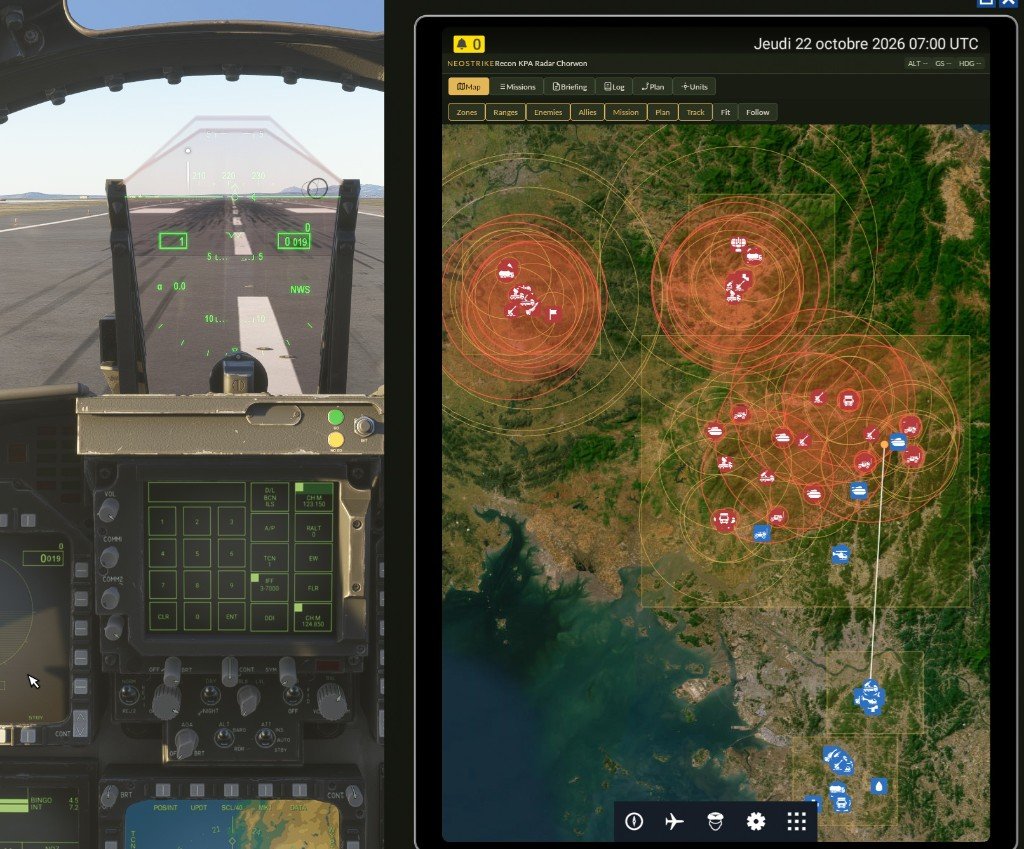
During the flight, open NeoStrike inside Microsoft Flight Simulator. The map, the mission list, the briefing, the log, the flight plan, and discovered units stay on the tablet.
Enemy weapon range is the red ring. Detection range is the amber ring. Allies use the same icons as the campaign map. Fit frames the sortie. Follow keeps the aircraft centred. Accept a mission, start tracking, or end it without leaving the cockpit.
MSFS 2024 opens it on the EFB. MSFS 2020 opens it from the toolbar. Install it once from Settings. NeoStrike stays running beside the simulator.
Build your own missions and campaigns
NeoStrike is not one fixed scenario. You author templates; the mission generator turns them into the list you see each turn.
Each template is a reusable graph: conditions, actions, parameters and restrictions. Generation rules tell the campaign when that graph is allowed — mission type, required airbase, LZ, target, or “force at least one this turn”.
On Next Turn, the generator walks the map, picks a matching template, and fills the parameters from the live campaign: nearest allied airbase, enemy SAM, troop LZ, cargo counts, a point inside a held zone. The briefing you read is that instance, not a hand-placed one-off flight.
If a rule cannot be satisfied (no enemy zone, no departure base), that template is skipped. Unaccepted offers are dropped at the next turn.
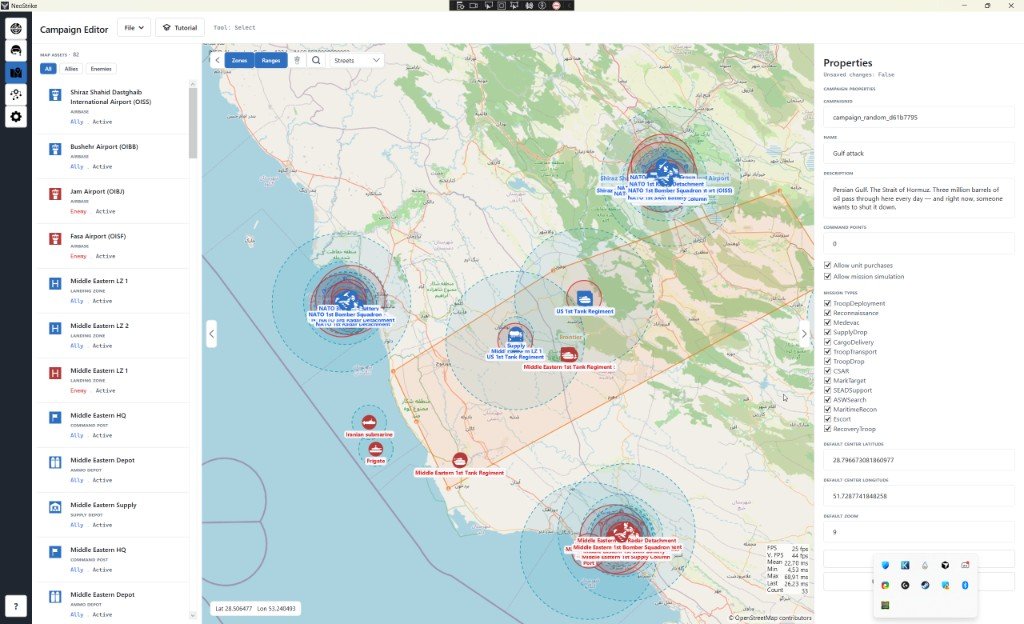
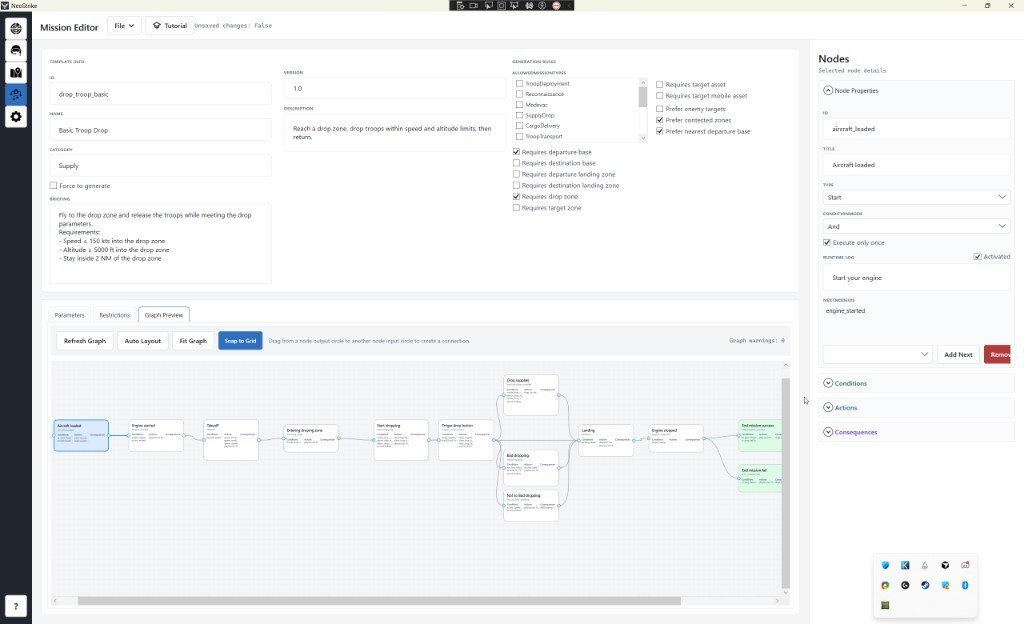
Write the template once. The generator keeps offering new sorties as the front moves.
A companion, not another in-sim menu
MSFS provides the aircraft and the world. NeoStrike runs beside it on Windows, talks SimConnect, and can spawn optional 3D ground objects (tanks, trucks, radars) in the Community folder.
During a tracked mission, enemy SAM sites can fire, and you can trigger the current mission action with a global hotkey without leaving the cockpit.
Make every sortie count
You can fly hundreds of missions in a simulator. Without a larger objective they blur together. NeoStrike gives those flights a front line, a logbook, and a reason to go around again.
You don’t just fly the mission. You shape the campaign.
Buy NeoStrike